
Everything you need. Nothing you don’t.
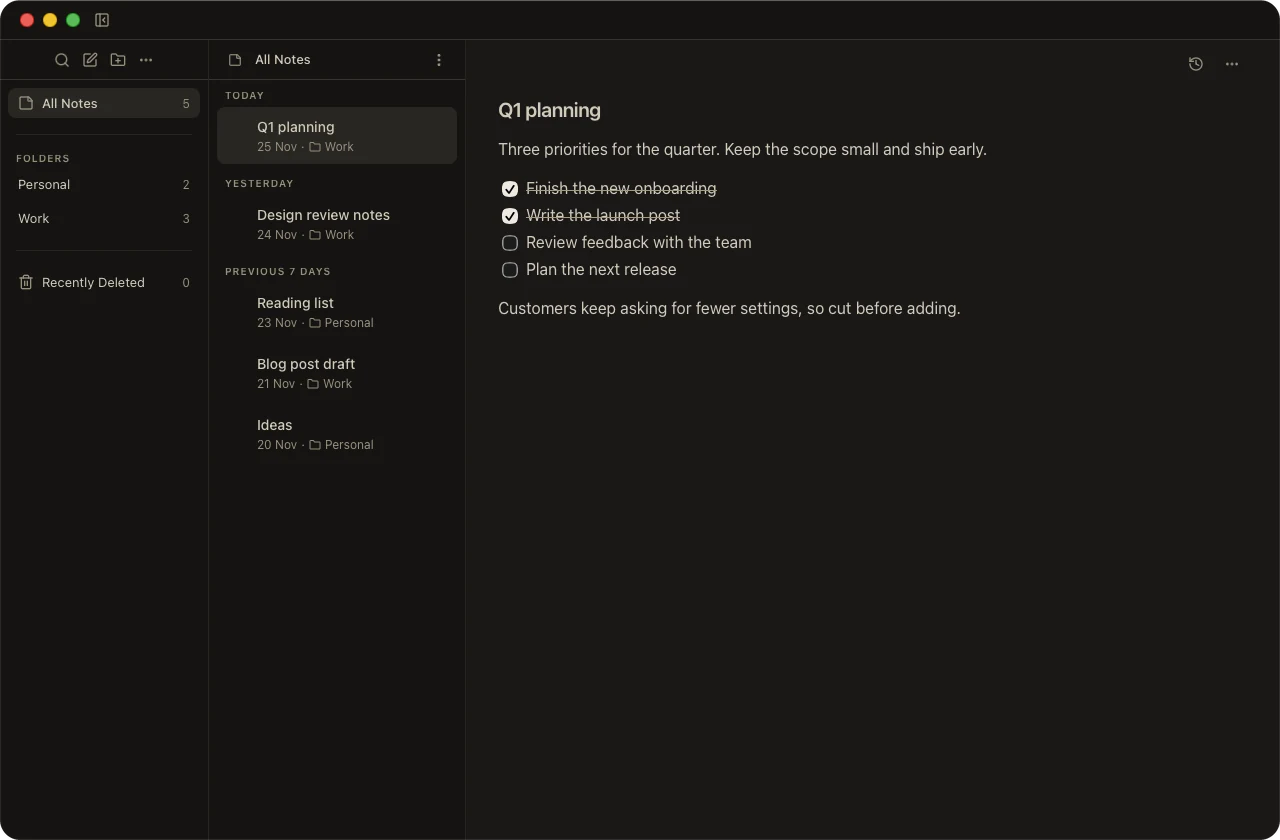
Monoquill is built for people who want to write things down, find them again, and get on with their day.
Open it and write.
Download it, open it, start typing. There’s nothing to set up first.
Easy to organise.
Keep notes in folders, sort them how you like, and search any time.
Connect your AI assistant.
Monoquill supports the Model Context Protocol (MCP), so you can let your AI assistant read your notes whenever you choose.
Never lose a note.
Monoquill saves earlier versions of your notes automatically. Preview one, restore it with a click, and your current text is saved as a new version first. Deleted notes wait in Recently Deleted for 30 days.
Yours to keep.
Your notes live on your device, with no account, no telemetry and no internet needed. Export your library as Markdown whenever you like, and import files back in.
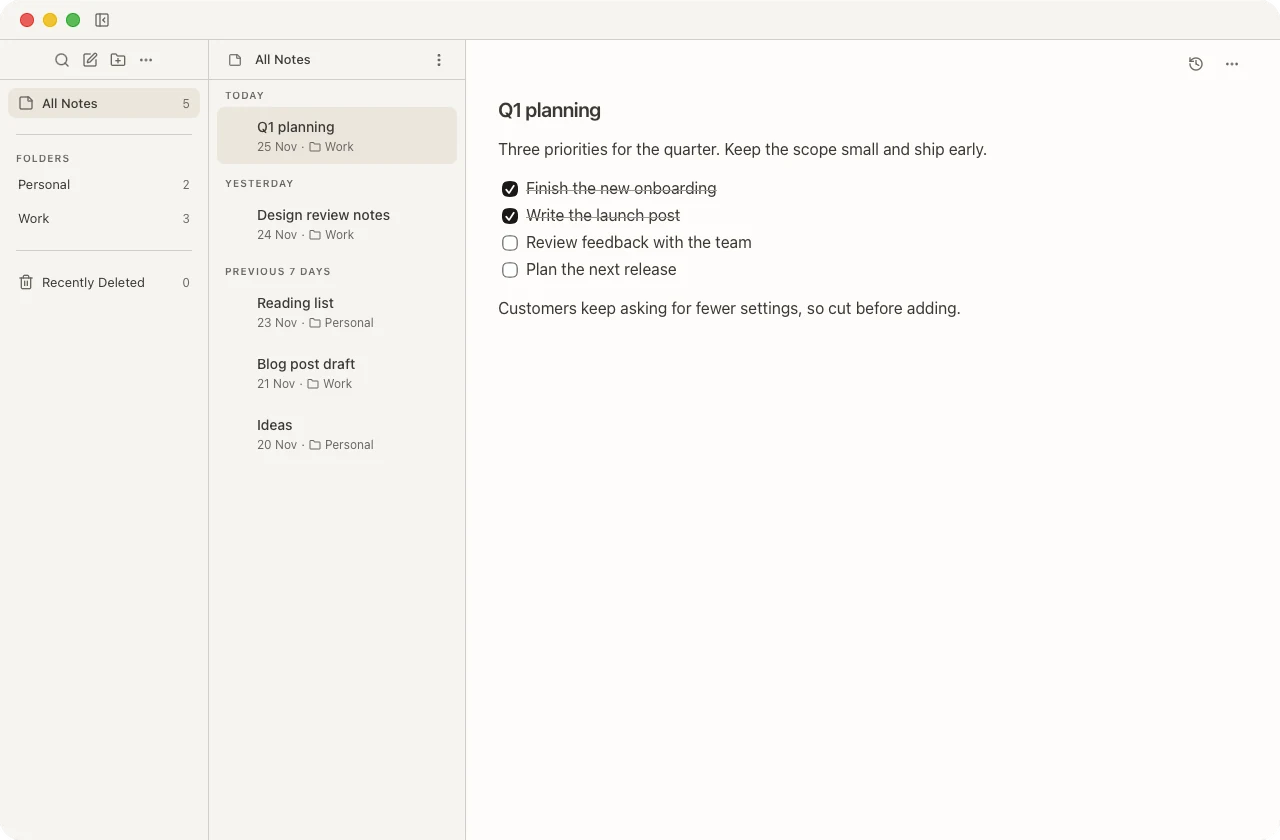
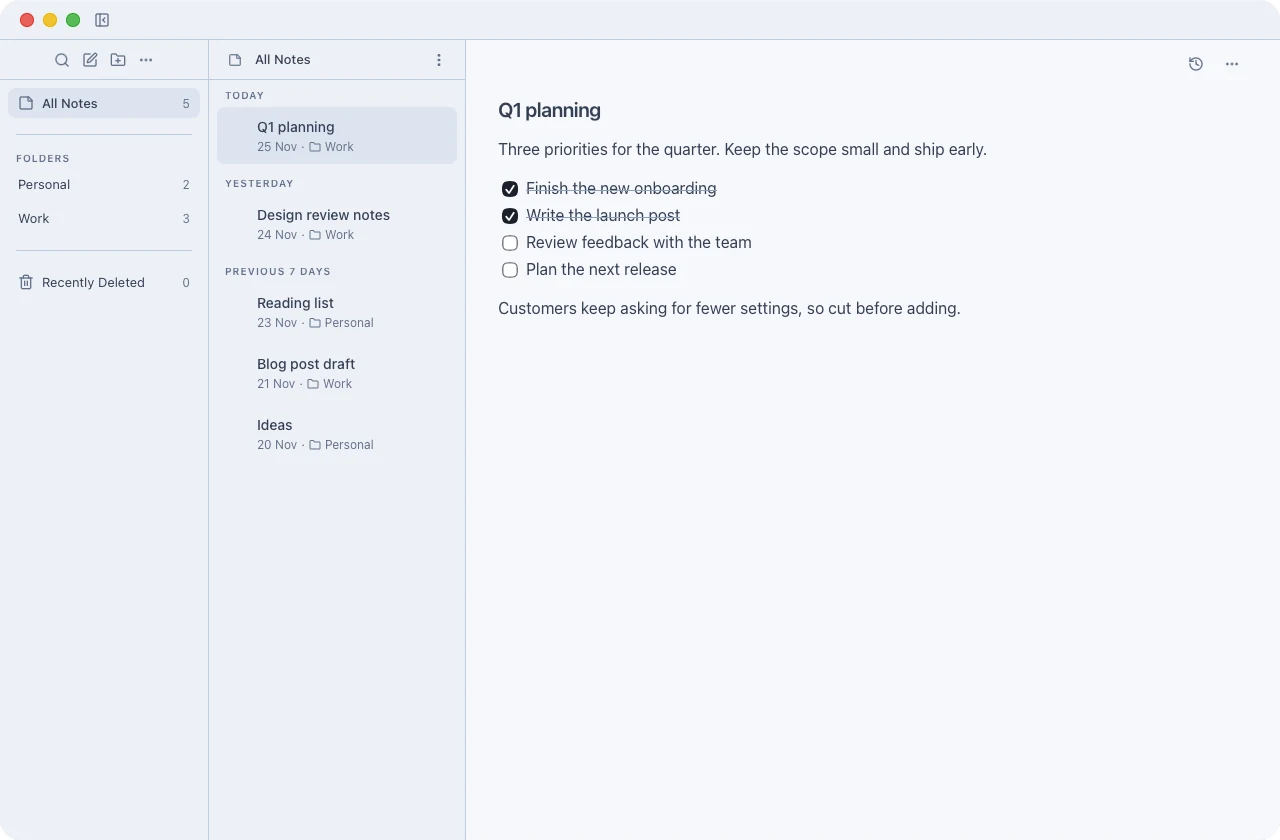
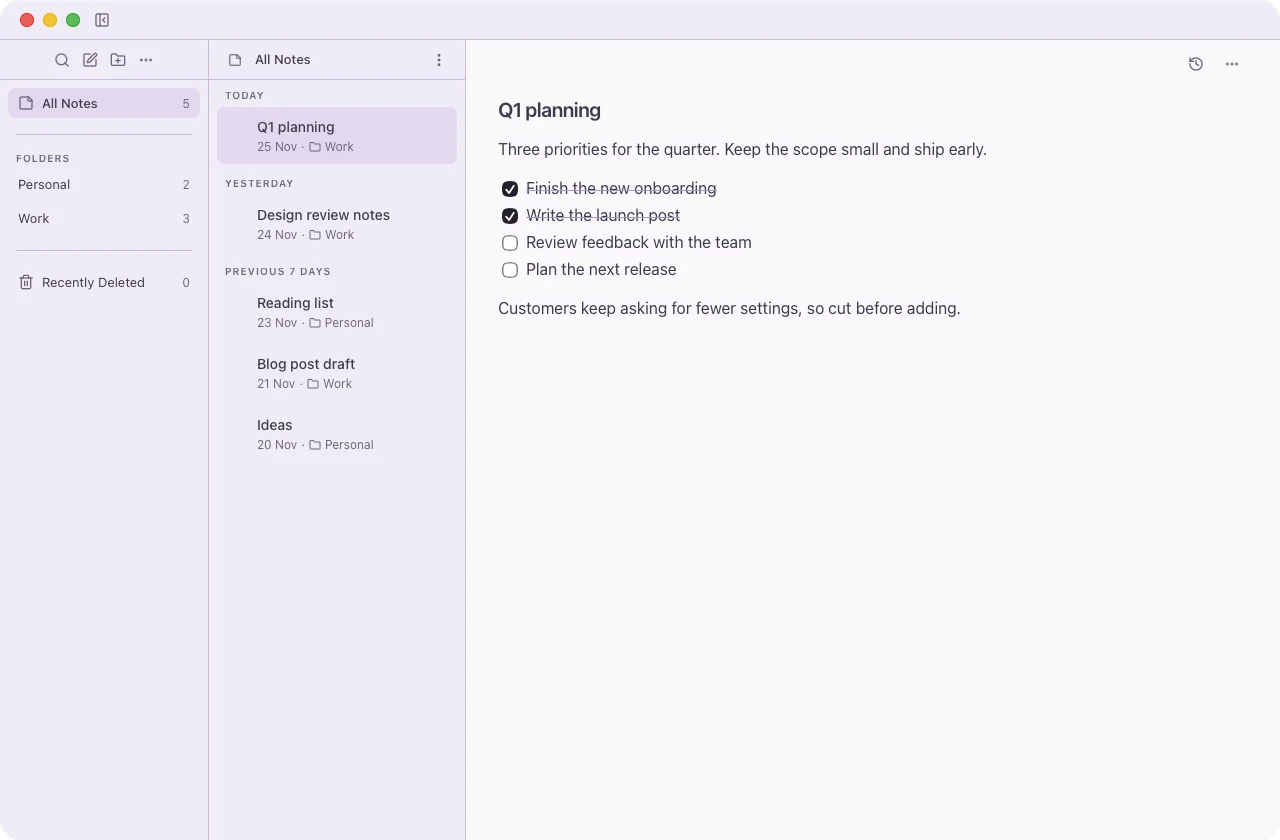
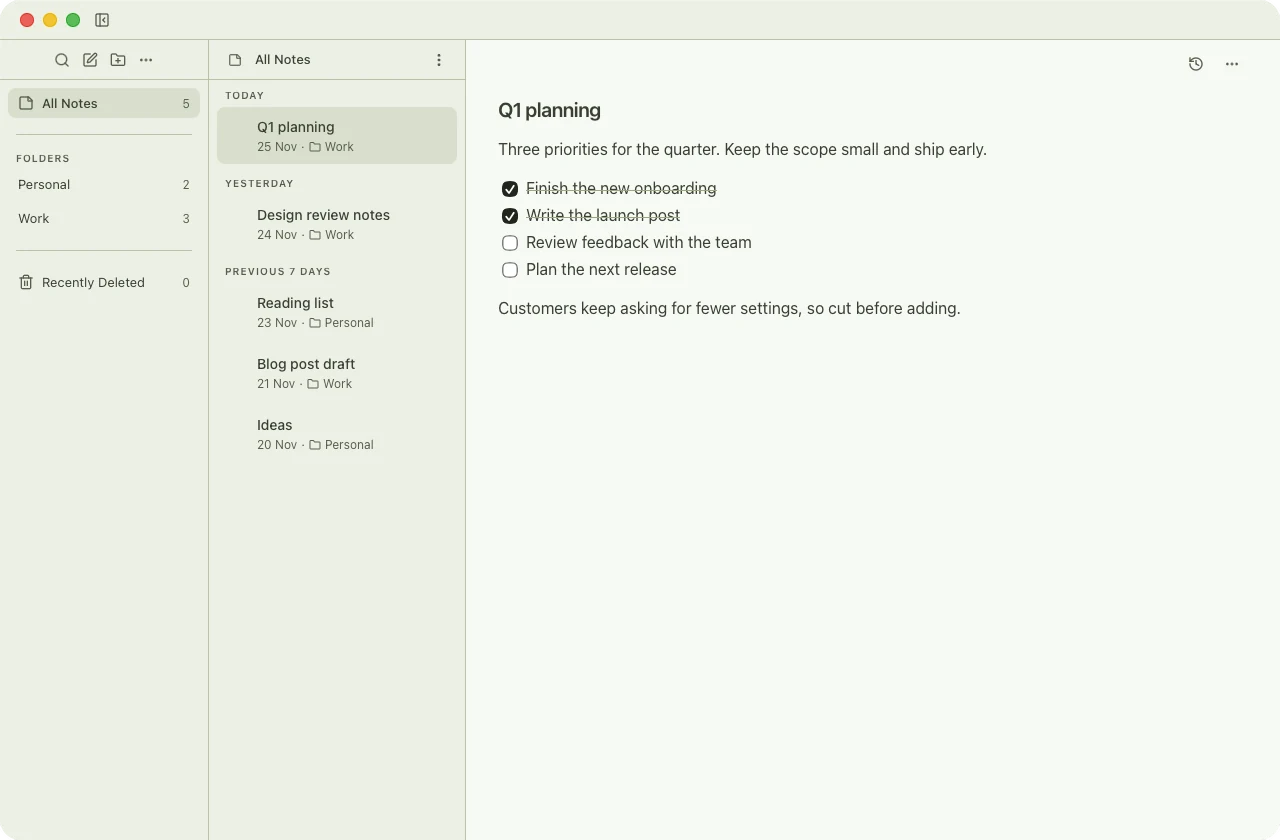
Pick the page that suits you.
Five themes, from bright Paper to a calm, dark Dusk. Choose the one that’s easiest on your eyes.
Sync first. Then more platforms.
Monoquill starts simple. Here’s what we’re looking at next, in order.
Sync across devices
Start a note on one computer and pick it up on another.
Windows
Monoquill for Windows is on the roadmap.
iOS and Android
Mobile apps for iPhone and Android are on the roadmap.
FAQs
How do I install it?
Download the installer, open it, and drag Monoquill into your Applications folder.
Is it free?
Monoquill itself is free. Sync is planned as a separate paid add-on later.
Do I need an account?
No. There’s no sign-up and no account, Monoquill doesn’t collect telemetry, and it works fully offline.
Where are my notes stored?
On your device, in a local database, with your images saved alongside. Nothing leaves your device unless you export it.
Can AI assistants access my notes?
Only if you choose to connect one. Monoquill supports MCP, so you decide whether to connect an AI assistant to your notes, and which one. At the moment, a connected assistant can only read your notes. It can’t edit or delete them. Monoquill itself doesn’t send your notes to any AI service. An assistant you connect handles what it reads under its own privacy terms.
Which platforms does it run on?
Monoquill is available for Mac. Next up is sync across devices, then Windows, then iOS and Android.
Can I bring my notes from another app?
Yes, if your app can export Markdown. You can import Markdown files, or a whole folder of them, and your folder structure comes with you.
Download Monoquill
Get the Mac app and start writing. Windows is on the roadmap.